

Research Methods

Run research surveys and analyze with AI
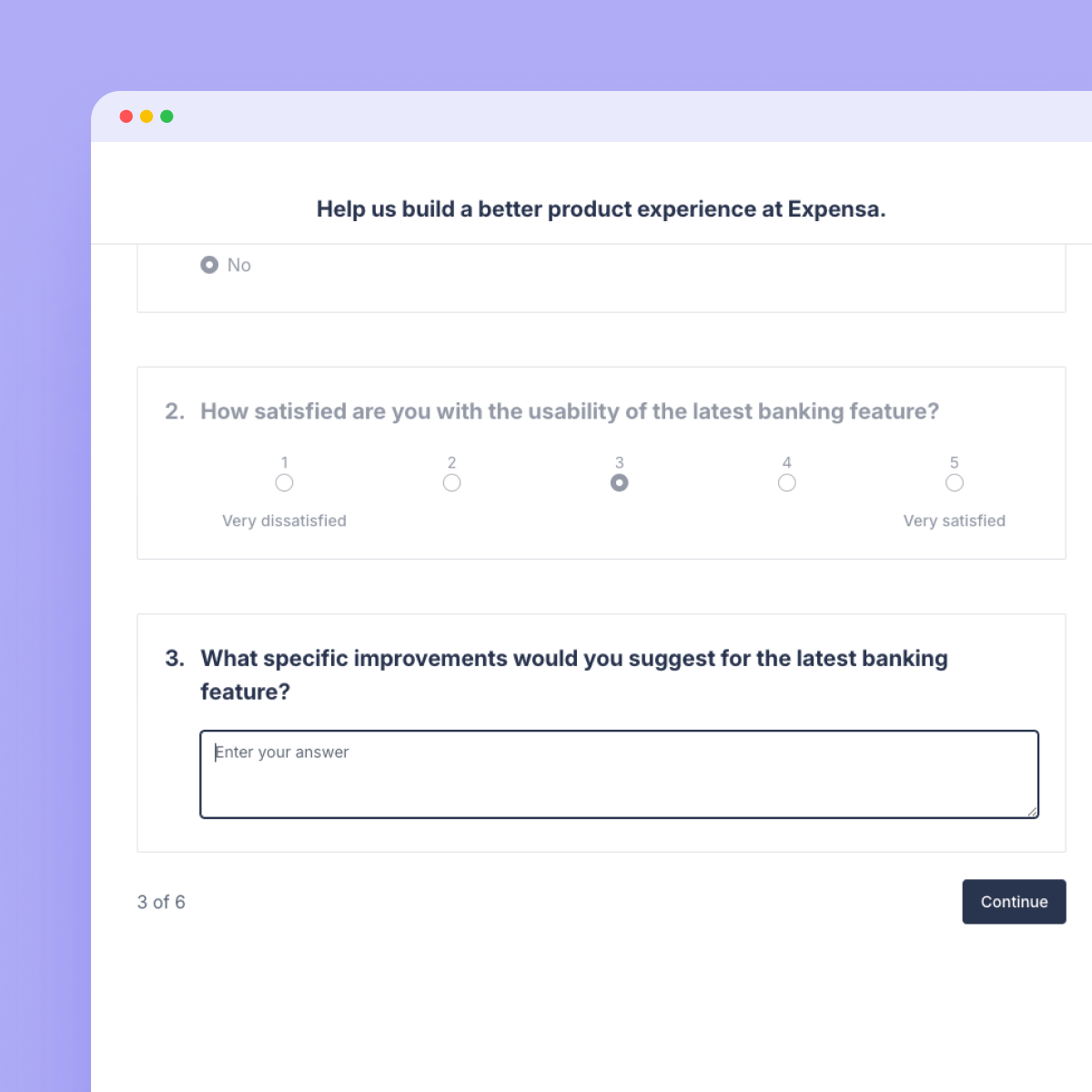
Build, distribute, and analyze surveys without leaving your research platform. Run surveys at scale and synthesise the findings with AI.
.png)
Surveys
Built-in recruitment

Recruit directly from your research panel or source B2B and B2C participants. Surveys go out to the right people, not just whoever's available.

Responses flow into your research repository automatically, tagged and linked to the right project.

Other survey tools stop at collection. Great Question connects your survey results to everything else you know about your users.
Survey builder
Screeners, attribute mapping, all built in

Skip logic that routes respondents based on earlier answers, so every question is relevant.

Screener questions to qualify participants before the survey begins, built right into the flow.

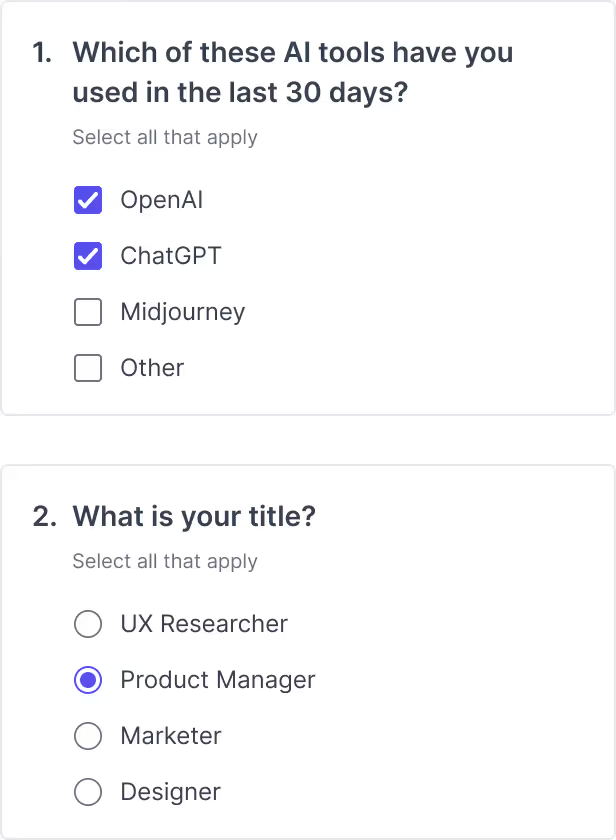
Map responses directly to participant attributes so you can slice data by role, company size, or any dimension that matters.
AI Analysis
AI Analysis that happens automatically
Summary views, cross-tabs, and filters let you segment responses by any attribute, without exporting to Excel.
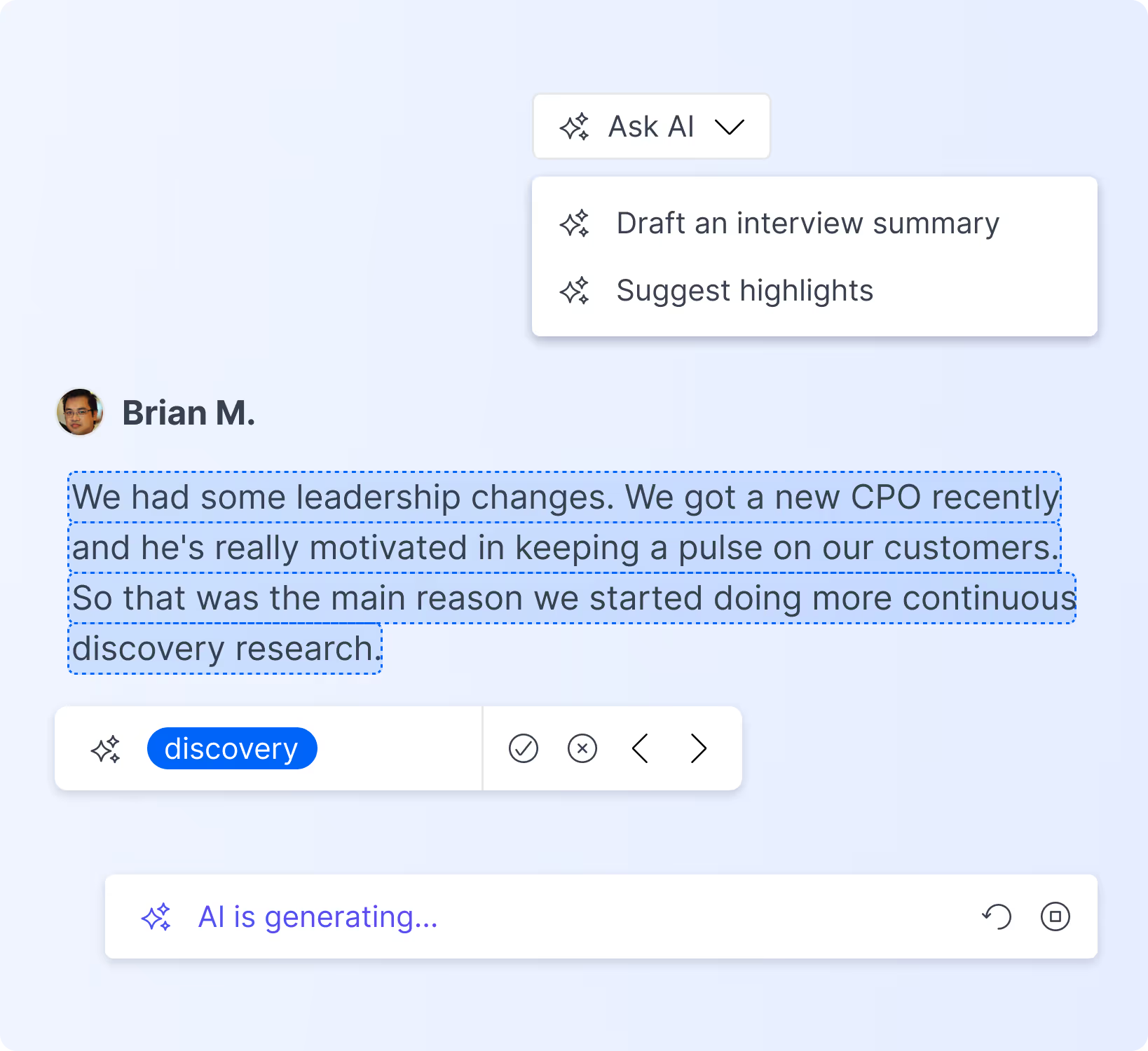
AI-powered analysis surfaces themes and patterns across open-ended responses so you spend less time reading, more time deciding.
Ask AI questions across all your survey responses to get targeted insights on demand.
Great Question
Explore our other research methods
One platform. Every method.

AI moderated interviews
Run hundreds of adaptive, AI-moderated interviews at scale. Great Question handles recruiting, moderation, and analysis.
Unmoderated prototype testing
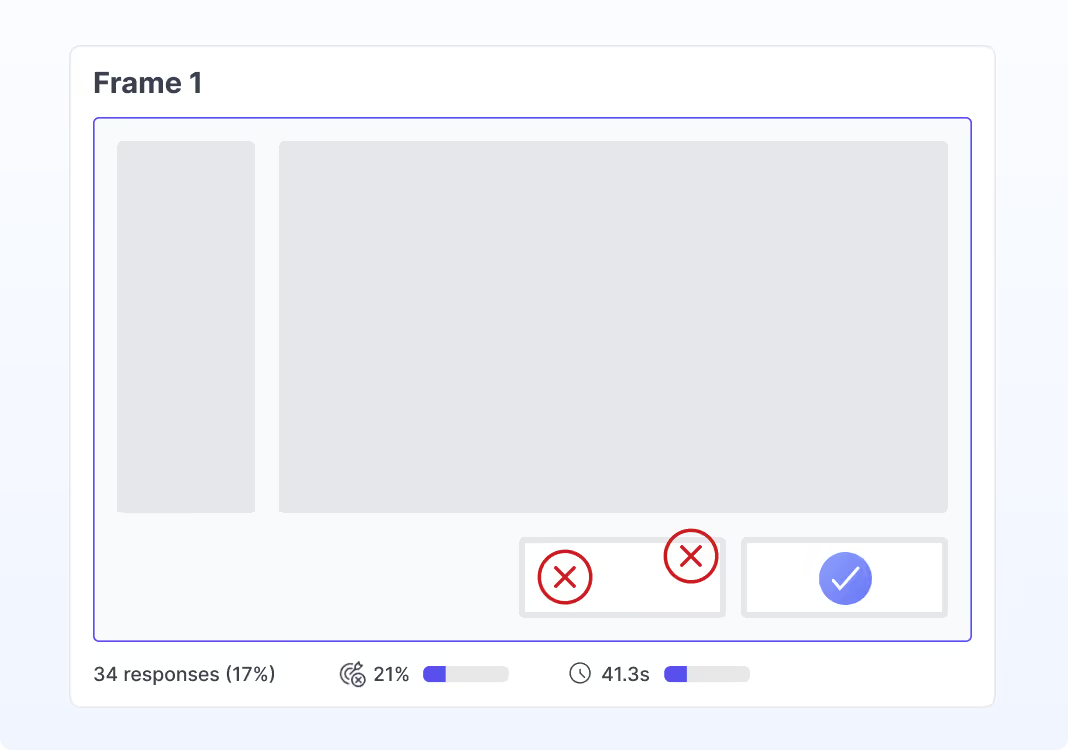
Test Figma prototypes async with real users, then analyze interaction patterns with AI.
Research repository
Search your company's entire body of research in seconds. Link findings, surface themes, and never duplicate a study.
Frequently asked questions
What question types does Great Question support?
Multiple choice, open text, NPS, ranking, matrix, image-based, and screener questions. You can mix types within a single survey.
Can I use skip logic and branching?
Yes. Set up conditional routing based on any answer so each respondent only sees questions that are relevant to them.
Can I send surveys to my existing research panel?
Yes. Target your panel by attributes, segments, or tags. No manual list uploads required.
Can I map survey responses to participant attributes?
Yes. Responses auto-tag to participant profiles in your research CRM. Filter results by segment, account type, or any attribute you track.
Analysis and integrations
How does survey analysis work?
Summary views, cross-tabs, and filters are built in. AI analysis surfaces themes automatically, and Ask AI lets you query your full response set in plain language.
How is this different from SurveyMonkey or Typeform?
Great Question connects surveys to your research panel, repository, and AI tools. Responses flow into your research history, auto-tag to participant profiles, and become part of your company's body of knowledge.
Can I export survey data?
Yes. Export raw responses to CSV or push data to your CRM and analytics tools. Everything is also stored in your research repository and searchable alongside your other studies.